

Can I Keep My HACCP Records on My Phone in Ireland?
Published on: September 25, 2026
By Mark Long, co-founder of SmartChef and Managing Director of Food Safety Management Solutions Ltd (25+ years in food safety and HACCP compliance)
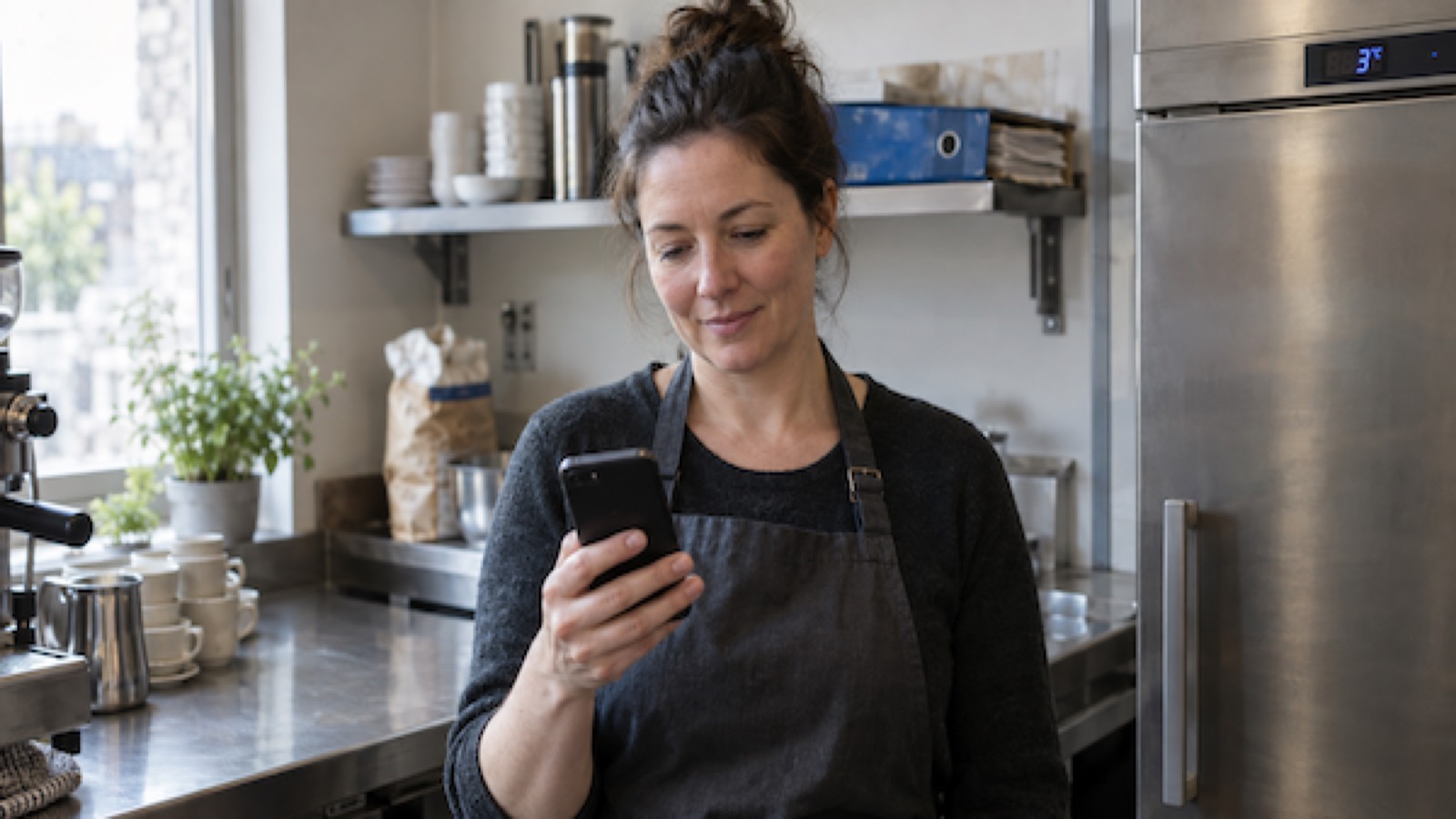
If you run a cafe, coffee shop or small restaurant, there's a fair chance your HACCP lives in a ring binder. Fridge temps on one sheet, deliveries on another, cleaning on a third, and a signature column that fills in nicely on quiet days and goes suspiciously blank on busy ones.
At some point most owners ask the same question. Can I just do this on my phone?
The short answer is yes. The longer answer is worth reading, because "yes" comes with a few conditions, and knowing them is the difference between an EHO nodding at your screen and an EHO asking awkward questions.
Let's go through it in plain English.
1. What the law actually requires
Every food business in Ireland has to operate a food safety management system based on HACCP principles. That comes from EU Regulation 852/2004, which applies directly in Ireland. Article 5 of that regulation says you must keep documents and records that show your procedures are working, and that those records should be appropriate to the nature and size of your business.
Here's the important bit. The regulation does not say what those records have to look like. It doesn't say paper. It doesn't say a folder. It doesn't say the FSAI's blue Safe Catering Pack forms. It says you need records, and you need to be able to show them.
Paper became the default because, for a long time, it was the only practical option. It was never the legal requirement.
2. What the FSAI and EHOs actually accept
The FSAI's own guidance material describes records as being kept in written or electronic form. The Safe Catering Pack is a paper system because that's what it was designed as, but nothing in it says you're forbidden from keeping the same information electronically.
In practice, Environmental Health Officers see digital records every week now. Hotels, larger restaurant groups and healthcare kitchens have been using them for years. What's changed recently is that small independents can afford it too.
What an EHO cares about is not the medium. It's whether the record answers their questions. Can you show me the fridge temperatures for the last month? Who checked that delivery on Tuesday? What did you do when the walk-in went above 5°C? If your phone can answer those faster than a folder can, you're in a better position, not a worse one. For more on what inspectors look for, see what EHOs really look for during inspections.
One honest caveat. Digital records are accepted, but a bad digital system is still a bad system. Which brings us to the conditions.
3. The conditions that make digital records "proper" records
Whether you use an app or just a spreadsheet on a tablet, here's what turns a digital record into one an EHO will trust.
Real timestamps
Each entry should show when it was actually made. This is the single biggest advantage over paper, and the single thing EHOs value most. A fridge temperature logged at 08:14 on the day is evidence. A column of neat handwriting filled in at 11pm from memory is not.
Who did it
Records need to show who carried out the check. Shared logins with no name attached are a weak point. Each staff member should have their own identity in the system, even if they share a device.
Corrective actions, not just readings
Recording that the fridge was at 9°C is only half the record. What did you do about it? Digital systems should prompt for the action taken and keep it alongside the reading.
Records you can actually produce
If the EHO asks for six weeks of hot holding records, you need to be able to bring them up on the spot, or print or export them. A system that only shows today's checks is not a records system.
Records that survive
Photos in a WhatsApp group are not HACCP records. Neither is a spreadsheet on a manager's personal laptop who leaves next month. The records need to belong to the business and be backed up somewhere.
If your setup ticks those boxes, you can keep your HACCP records on a phone with a clear conscience.
Want all of these requirements on one page?
Our free 2 page HACCP cheat sheet covers the critical temperatures and daily checks. Made for printing and sticking to the kitchen wall.
4. Does this mean I can throw away the Safe Catering Pack?
Not quite, and it's worth being precise here.
The Safe Catering Pack has two parts. There's the food safety management system itself, the hazards, the controls, the prerequisite programmes, the "how we run this kitchen" part. Then there are the recording forms, SC1 through SC10, which are the daily paperwork.
Going digital replaces the recording forms. It does not replace the system. You still need to have identified your hazards and controls, and you still need the underlying HACCP plan. A good digital tool is built around the same records the pack asks for, so your deliveries, fridge temperatures, cooking and cooling, hot holding, probe calibration and cleaning all carry over one to one. You change the medium, not the method. For a full breakdown of digital HACCP records, see our HACCP records overview.
SmartChef, for example, mirrors the Safe Catering Pack record types directly. We should say clearly that SmartChef is not affiliated with, endorsed by or approved by the FSAI. It's built to capture the same information the FSAI asks for, in a form that's easier to keep up with.
5. Why small kitchens are making the switch now
For years digital HACCP was a hotel thing. The systems were expensive, needed dedicated hardware, and came with a sales call. That's changed.
Here's what's driving small cafes and restaurants across Ireland to move.
- Staff already have phones. Nobody needs to be taught how to tap a screen. The barrier that made paper "easier" is gone.
- Reminders do the chasing. The owner stops being the only person who remembers the 4pm fridge check.
- Deliveries in the middle of service. Snapping a photo of the label takes ten seconds. Finding a pen, the sheet and the probe takes longer than that.
- Nothing gets lost. No oil splashes, no missing pages, no folder left in a car.
- You can see it from home. If you own two sites, or you're just not on the premises every day, you can check the records without ringing anyone.
- The price came down. A system for a small cafe now costs less per month than a couple of trays of pastries.
None of this changes what you're required to do. It just changes how much of your week it takes.
6. A practical checklist for switching from paper to digital
If you're thinking about making the move, here's how to do it without disrupting the kitchen.
- List your current records. Go through the folder and note every sheet you actually use. Most small kitchens use five or six.
- Check the digital system covers all of them. If it's missing one, you'll end up half paper, half app, which is the worst outcome.
- Ask the five questions in section 3. Timestamps, named users, corrective actions, exports, backups. If you don't get a straight answer, walk away.
- Pick a quiet week to start. Not the run up to Christmas. Not the week before a festival.
- Run both for a few days. Keep the paper going alongside the app until you're confident nothing's being missed.
- Put one person in charge of setup. Fridges, freezers, probes, suppliers and cleaning tasks need to be entered once, properly.
- Show the team, don't email them. Ten minutes at the start of a shift beats a written guide nobody reads.
- Keep the old folder. Your paper records from before the switch are still your records. Store them and note the date you changed over.
- Tell your EHO if you like. You don't have to, but a quick mention at your next visit that you've gone digital tends to go down well.
- Review after a month. Are checks being done on time? Are there gaps? Digital makes gaps obvious, which is the point.
7. The honest downside
It would be unfair to pretend there isn't one.
Digital records make problems visible. On paper, a missed check can quietly disappear. In an app, it sits there as a missed check with a red mark beside it. Some owners find that uncomfortable at first.
Our view, and the view of every EHO we've spoken to, is that this is a feature. A record system that hides problems isn't protecting you. It's just delaying the moment you find out. Better to see the gap on a Tuesday morning than during an inspection.
Want to see what digital HACCP looks like in a real Irish kitchen?
If you're ready to take the folder off the shelf, you can
Setup and training are included free, and most cafes are up and running the same day. 30 day money back guarantee, no contract.
Get the free HACCP cheat sheet
Critical temperatures and daily checks on a 2-page printable guide. Perfect for the kitchen wall.
FAQ: Digital HACCP Records in Ireland
1. Is it legal to keep HACCP records on a phone or tablet in Ireland?
Yes. EU Regulation 852/2004, which applies in Ireland, requires food businesses to keep records that show their food safety procedures are working. It does not specify a format. Electronic records are acceptable provided they capture the same information and can be produced for inspection.
2. Do Environmental Health Officers accept electronic HACCP records?
Yes. EHOs regularly inspect kitchens that use digital systems. They're interested in whether the record is complete, timestamped, shows who made it, and shows what action was taken when something was out of range. A good digital system makes all of that easier to demonstrate than paper.
3. Do I still need the FSAI Safe Catering Pack if I go digital?
You still need a food safety management system based on HACCP, which the Safe Catering Pack provides. Going digital replaces the daily recording forms, not the underlying system. Most digital HACCP tools, including SmartChef, are built around the same record types as the pack.
4. Can I just use a spreadsheet or the notes app on my phone?
You can, but it's hard to do well. A spreadsheet doesn't timestamp entries automatically, doesn't record who made them, doesn't remind anyone, and usually lives on one person's device. It will pass as a record, but it won't give you the advantages that make going digital worthwhile.
5. What should a digital HACCP record include to satisfy an EHO?
The date and time the check was made, who made it, the reading or observation, whether it was within limits, and what corrective action was taken if it wasn't. It should also be possible to view or export records for a past period on request.
6. How long do I need to keep HACCP records?
There's no single number written into the regulation for catering. The guidance is to keep records long enough to demonstrate your system works over time and to cover any product still in circulation. Many businesses keep at least twelve months. Digital systems make this easy because nothing gets thrown out by accident.
7. Can staff use their own phones for HACCP records?
Yes, and in most small kitchens that's what works best. Each staff member logs in under their own name so the record shows who did the check. If you'd prefer a shared device, a single tablet in the kitchen works too.
8. Are digital records more trustworthy than paper?
Generally, yes. Automatic timestamps make backfilling obvious, which is why EHOs tend to have more confidence in them. Paper records written up at the end of a shift are a common inspection finding.
9. Will switching to digital HACCP disrupt my kitchen?
It shouldn't, if you plan it. Choose a quiet week, set the system up properly first, run paper alongside it for a few days, and show the team in person. Most small cafes using SmartChef are fully switched within a week.
10. How much does a digital HACCP system cost for a small cafe?
It varies. SmartChef starts at €25 a month for cafes and food trucks and €40 a month for restaurants, with no contract and free setup. Some systems charge setup fees or require dedicated hardware, so it's worth asking before you sign up.
11. Do I need to tell my EHO that I've gone digital?
No, there's no requirement to notify anyone. It's a good idea to mention it at your next inspection and have the records ready to show on screen or as an export. Keep your old paper records from before the changeover as well.
12. Can I keep some records on paper and some digital?
You can, but it's not recommended. Split systems create gaps, and staff get confused about where things go. Pick one and move everything across.
13. Does digital HACCP cover temperature monitoring of fridges overnight?
Manual digital records cover the checks your staff make during the day. Overnight and weekend monitoring needs sensors. SmartChef offers WiFi temperature sensors that log every five minutes and alert you to a sustained breach, which becomes part of the same record set.